 How-to
Save Money on Groceries with Apps: A Step-by-Step Guide
Last Updated: November 13, 2026
Quick Summary
You save money on groceries with apps by building a meal plan and list first, then matching only current sales, coupons and cashback offers to items already on that list. Submit receipts the same day, since unsubmitted receipts are the most common reason people lose rebates they earned. Treat the list as the filter and the eligibility check as the second filter.
- Cashback apps like Ibotta pay you back after purchase, but only on eligible items at participating stores.
- Check four things before a cashback trip: eligible stores, eligible products, offer limits, and payout thresholds.
- Browsing offers before you have a list is how a budget trip turns into a full cart.
- Compare unit price, not sticker price, because a larger pack on sale can still cost more per gram.
- Confirm your local store participates before building a trip around an app, since coverage varies by region.
Table of Contents
- Why Apps Beat Clipping Coupons (and Where They Fall Short)
- The Best Apps to Save Money on Groceries: A Comparison
- Free Grocery Savings Apps That Deliver Real Value
- How Grocery Cashback Apps Work (and When They're Worth It)
- Meal Planning with Grocery Apps: The Multi-App Workflow
- Common Mistakes That Wipe Out App Savings
- Set Up Your First Automated Grocery Workflow
- Frequently Asked Questions
Why Apps Beat Clipping Coupons (and Where They Fall Short)
Grocery savings apps put the weekly flyer, coupon envelope and cashback offer in one place on your phone.
A paper coupon never expires without warning, never asks for your location, and never tempts you into an unplanned store. Apps do all three.
Where apps beat coupons:
- Search speed. Finding every current offer on milk takes seconds instead of an evening with scissors.
- Stacking. Digital coupons, store loyalty pricing and cashback can combine on one item.
- Tracking. Purchase history shows which offers you actually redeem.
Where they fall short: offers are often limited to participating stores, payouts can sit below a minimum threshold, and a deal on something you didn't need is not a saving.
The Best Apps to Save Money on Groceries: A Comparison
No single app covers every savings method. The best apps to save money on groceries split into two jobs: getting money back after you buy, and finding the lowest price before you buy.
| App | Savings Method | Cost | Best For | Main Limitation |
|---|---|---|---|---|
| MealPrepGenius | Plan-led list building | Paid plan | Households that overspend on unplanned trips | Not a cashback tool |
| Ibotta | Cashback on eligible items | Free | Earning money back after checkout | Savings depend on eligible offers |
| Flipp | Weekly flyer deals | Free | Checking sale prices before a trip | Retailer coverage varies |
| Flashfood | Discounted near-expiration food | Free | Cutting spend on fresh items | Local availability varies |
| Too Good To Go | Surplus food bundles | Free | Cheap meals from local shops | Offer details vary by area |
| GroceryChop | Price comparison | Not stated | Comparing item prices across stores | Coverage not verified locally |
| Basket | List plus price checks | Not stated | Comparing deals and promotions | Store coverage unconfirmed |
| Plan to Eat | Meal plan to grocery list | Not stated | Planning meals before shopping | No cashback function |
Cashback and Rebate Apps
Cashback apps pay you back after purchase, usually once you scan a receipt or link a loyalty account. Ibotta is the clearest example: it offers cashback on selected grocery purchases, and savings depend entirely on which offers are eligible at the time.
The catch with every rebate app is purchase verification. You must buy the exact eligible item, in the exact size, at a participating store, within the offer window. Miss one condition and the rebate disappears.
Price Comparison and Deal-Finding Apps
Price comparison apps answer a different question: where is this cheapest right now? Price comparison apps such as GroceryChop and Basket let you check item prices across stores and surface deals.
Flipp handles the weekly ad side, built around browsing flyers for current sale prices. The gap across all of these is regional, coverage, store compatibility and offer availability change by postcode.
Free Grocery Savings Apps That Deliver Real Value
Free grocery savings apps can be useful when they remove a decision rather than add a stop.
Flipp replaces the stack of paper flyers.
Flashfood lists discounted groceries, often near-expiration items, at participating stores, a genuine way to cut spend on fresh food and reduce waste.
Too Good To Go sells surplus food bundles from local shops.
What most guides miss: free apps still cost you time, location permissions and purchase data.
How Grocery Cashback Apps Work (and When They're Worth It)
Grocery cashback apps generally work by matching your receipt against a list of eligible offers, then crediting your account once the purchase is verified. The restrictions decide whether a rebate is worth chasing.
The typical sequence:
- Browse offers and add the ones you want before shopping. Offers have start and end dates, and many are limited to one redemption per account.
- Buy the exact eligible item at a participating store. Size, flavor, brand and pack count all matter.
- Scan or submit the receipt, or link a store loyalty account. Some apps require the receipt within a few days and reject blurry photos or ones missing the store name and date.
- Wait for verification, then reach the payout threshold. Pending rebates usually cannot be withdrawn.
- Cash out to your preferred method. Thresholds and options vary by app and account.
Eligibility, Payout Thresholds, and Redemption Restrictions
This is where most guides stay vague, and where most rebates are lost. Before you build a trip around cashback, check four things:
- Eligible stores. An offer may be valid only at specific retailers or banners, not every store that sells the product.
- Eligible products. The offer usually names the brand, size and sometimes the variety. Buying the family pack when the offer is for the single-serve size voids the rebate.
- Offer limits. Many offers are one per account, and some require a minimum spend or item count.
A common pattern is that the headline rebate is larger than the amount you can actually withdraw in a single trip. Treat the threshold as part of the offer, not as fine print.
When Cashback Is Worth It
A common mistake is chasing a rebate on a product you would never have bought. That is not saving money on groceries, that is spending more to feel thrifty.
Watch out: linking a loyalty account can be faster than scanning receipts, but it also shares your purchase history with the app. Grant only the access needed to verify the specific offers you are claiming.
Meal Planning with Grocery Apps: The Multi-App Workflow
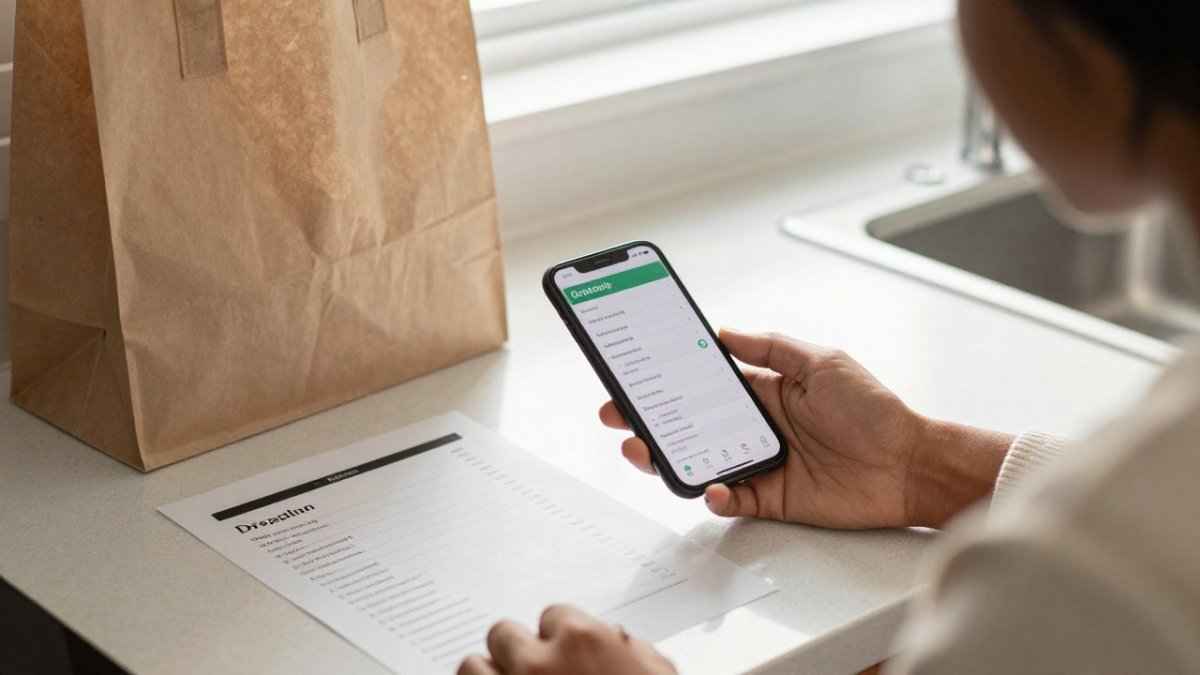
Meal planning with grocery apps is the step that makes the other apps pay off. A list built from a plan is a filter: it tells you which offers are relevant and which are noise.
Step 1: Build Your Meal Plan and List
Start with the plan, not the deals. If you want to shop your own kitchen first, check your pantry and build meals around what is already there with use what I have. When the plan is set, the grocery list page turns it into an organized shopping list before you leave the house.
This step is where the savings are protected. A list built from meals you will cook is the baseline against which every offer gets judged. Without it, the next steps become browsing, and browsing is how a budget trip turns into a full cart.
Step 2: Cross-Check Deals and Cashback Offers Against the Finished List
Now open your deal apps against the list, not before it. Match each item to a current weekly sale, a digital coupon or a cashback offer.
Before you commit, run the eligibility check: confirm the store is participating, the product matches the offer exactly, the offer has not hit its redemption limit, and the payout threshold is realistic for the rebates you are claiming.
Watch out: browsing offers before you have a list is how a budget trip turns into a full cart. The list is the filter, and the eligibility check is the second filter.
Step 3: Shop, Scan, and Submit Receipts
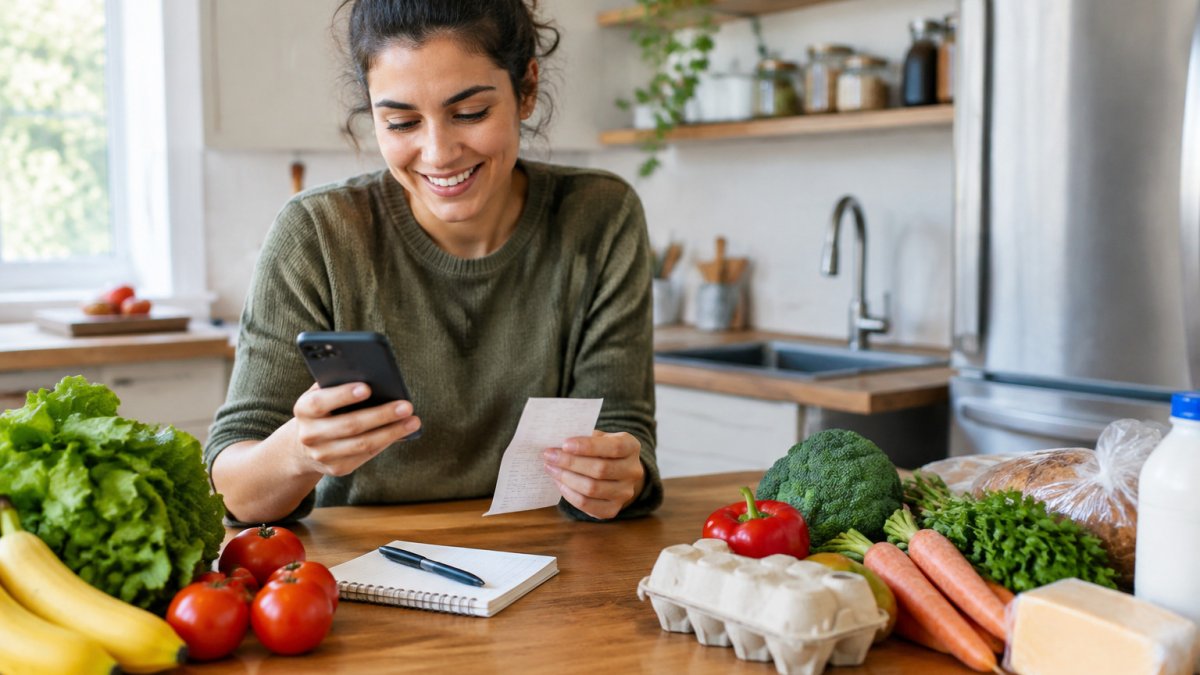
Shop the list, then submit receipts the same day, while the trip is fresh. Unsubmitted receipts are the most common reason people lose rebates they earned. Check your final bill against the plan at the register. If the total is far above what the list implied, something unplanned went in the cart.
A Realistic Savings Comparison (and the Time Cost)
Broad savings claims are easy to make and hard to verify, so here is a more honest way to judge the workflow.
A common pattern is that planning and a list help prevent unplanned purchases. Store sales and digital coupons typically reduce the bill at the register.
Time is part of the comparison. A single planning session plus a deal check plus same-day receipt submission is the routine; if it takes longer than the savings justify, simplify it.
Regional Availability and Store Compatibility
Every app in this workflow has a coverage limit. Weekly flyer, cashback and discounted-food apps all vary by region, retailer and sometimes store banner. Before you build a trip around an app, confirm your local store participates and the offer is live in your area. A deal unavailable at your store is not a saving, and a special trip can cancel the discount in fuel and time.
If You Do Not Want to Use a Smartphone In-Store
The workflow does not require a phone at the shelf. You can plan and build the list at home, check deals and eligibility at home, print or write the list, and submit receipts after the trip. The apps do the searching and tracking; the in-store experience can stay as simple as a paper list. That matters for shoppers who find in-store app use distracting.
Common Mistakes That Wipe Out App Savings
The savings are real, and so are the leaks. These are the ones we see most often.
- Shopping from offers instead of a list. A deal on an item you didn't plan to buy is a cost, not a saving.
- Ignoring unit price. A larger pack on sale can still cost more per gram than a smaller one. Compare unit price, not sticker price.
- Forgetting to submit receipts. Rebates expire. Set a reminder for the same evening.
Stacking offers is where careful shoppers pull ahead, but stacking only works when every layer applies to an item already on the list.
Set Up Your First Automated Grocery Workflow
The goal is a routine that runs without willpower. Set your weekly plan once, and let the list and the deals follow it.
Here's the setup we recommend:
- Pick a fixed planning day, ideally the day before you shop.
- Generate your plan, then your list, in one sitting.
- Check pantry stock before adding duplicates.
- Cross-check deals against the finished list only.
- Submit receipts the same evening.
- Review the final bill against the plan each week.
When you're ready to run it, generate your plan and see how a recurring weekly plan turns grocery shopping into a repeatable routine rather than a weekly scramble.
Most grocery budgets don't fail at the register. They fail the night before, when there's no plan and no list, and every offer looks like a good idea.
Frequently Asked Questions
What apps can help you save money on groceries?
Cashback apps like Ibotta pay you back on eligible purchases, while price-comparison tools like GroceryChop and Basket check item costs across stores. Flipp gathers weekly flyer deals in one place, and Flashfood and Too Good To Go offer discounted food nearing expiry. Meal planning tools such as MealPrepGenius can build your grocery list from planned recipes. Most people combine two or three of these to save money on groceries across a single trip.
Are there free grocery savings apps worth using?
Several grocery savings apps are available to try, including Flipp, Flashfood, Too Good To Go, and Ibotta. Free grocery savings apps tend to focus on one job: flyers, surplus food, or cashback. The catch is that savings depend on eligible offers and local store participation, so check availability in your area before relying on any single app. Pairing a free deal-finder with a meal planner gives you the most consistent results.
How do grocery cashback apps work, and are they worth it?
You browse offers in the app, buy the eligible items at a participating store, then scan your receipt or link a loyalty account to claim the rebate. Payouts often have a minimum threshold before you can cash out, and offers rotate, so the savings vary by trip. Grocery cashback apps can be useful if you already buy the promoted items.
Can grocery apps help you plan meals around weekly sales?
They can. Check the weekly ad in Flipp or a similar flyer app first, then build your meal plan around what is discounted. Meal planning with grocery apps works best when the plan drives the list: MealPrepGenius can generate recipes and an automated grocery list, which you can then compare against current sales and cashback offers before shopping.