 Listicle
Are Smart Grocery List Apps for iPhone Worth It?
Last Updated: November 17, 2026
Quick Summary
Smart grocery list apps for iPhone are worth it if you need shared lists, cross-device sync, quick add by voice or Siri, aisle sorting, or reusable staples. Free options like Bring! and Listonic cover shared lists and cost tracking, while Apple Reminders handles a basic shared list in under two minutes. Choose by household style, not feature count.
- A plain note lives on one device and dies at the checkout.
- Bring! is the most straightforward free option for shared shopping.
- Listonic adds category sorting and a total-cost calculator for free.
- Apple Reminders creates a shared, self-sorting list in under two minutes.
- MealPrepGenius is a paid platform that generates lists from your meal plan.
Table of Contents
- Smart Grocery List Apps for iPhone: What They Actually Do
- The Best Free Grocery List App for iPhone: What You Get Without Paying
- Shared Shopping List App Free: Keeping the Whole Household in Sync
- How to Create a Grocery List on iPhone in Under Two Minutes
- When a Simple Grocery List App Is All You Need
- Where MealPrepGenius Fits: Lists That Start From a Meal Plan
- Privacy, Offline Reliability, and the Questions Reviews Skip
- Pick Your App by Household and Shopping Style
- Frequently Asked Questions
Smart Grocery List Apps for iPhone: What They Actually Do
A smart grocery list app is a shopping tool that stores your list, syncs it across devices, and often sorts items by aisle or store. Meal planning and automated grocery lists are what MealPrepGenius is built around, so we have a practical view of where these tools help and where they quietly fail.
Most guides get the comparison wrong. They rank apps by feature count, then bury the one thing that matters in daily use: whether the list survives a mid-shop edit from your partner's phone. That's the test we apply throughout.
The features that separate smart lists from plain notes
The difference between a smart list and the Notes app comes down to five capabilities:
- Shared lists that update for every household member
- Cross-device sync between iPhone, iPad, and Apple Watch
- Quick add by typing, voice, or Siri
- Aisle or category sorting matched to store layout
- Reusable lists with recurring staples
A plain note does none of these. It lives on one device and dies at the checkout.
Smart grocery list apps for iPhone at a glance
Here is how the main options compare on the things shoppers actually ask about:
| App | Free Tier | Shared Lists | Standout Strength | Watch Out For |
|---|---|---|---|---|
| MealPrepGenius | No | Via meal plan | Lists generated from recipes | Paid subscription |
| Bring! | Yes | Yes | Simple shared household lists | Few smart-list details confirmed |
| Out of Milk | Not confirmed | Yes | Family and friend sharing | Pricing not published clearly |
| Listonic | Yes | Yes, real-time sync | Category sorting, cost calculator | Free vs paid split unclear |
| Apple Reminders | Built in | Yes via iCloud | No download needed | No recipe or meal planning |
| Basket | Not confirmed | Not confirmed | Cross-store price comparison | iPhone support unverified |
The takeaway from that table: no single app wins every column. Free shared lists and recipe-driven lists solve different problems.
The Best Free Grocery List App for iPhone: What You Get Without Paying
The best free grocery list app for iPhone depends on whether you shop solo or with a household. For shared shopping, Bring! is the most straightforward free option in the current App Store listings.
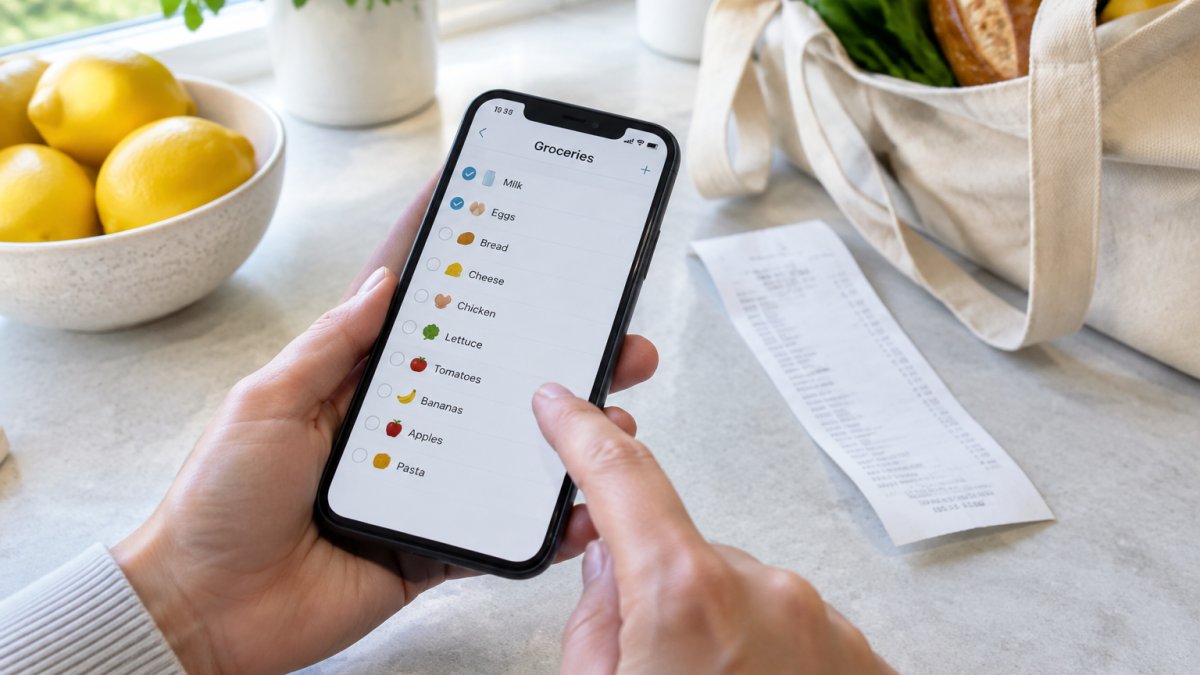
Free tiers usually cover the basics well:
- Creating and editing a shopping list
- Sharing with one or more people
- Basic category grouping
- Push notifications and shopping reminders
What free plans rarely include is recipe integration. That's the gap worth knowing about before you commit. If you want to see what a paid tier unlocks before deciding, the subscription options show what sits behind the paywall.
Shared Shopping List App Free: Keeping the Whole Household in Sync
A free shared shopping list app works when every person in the household can add, check off, and edit the same list in real time. That sounds simple.
Three things decide whether sharing holds up:
- Sync speed. Edits should land within seconds, not on the next app open.
- Conflict handling. If two people check the same item, the app should not resurrect it.
- Account requirements. Some apps force every household member to create an account before they can join a list.
That third point catches people out. A partner who shops once a week will not install an app and verify an email just to add milk.
How to Create a Grocery List on iPhone in Under Two Minutes
You can create a grocery list on iPhone in under two minutes using Apple Reminders, and it costs nothing. Here's the exact sequence:
- Open Reminders and tap Add List. Name it "Groceries."
- Go to the list's settings and turn on Groceries as the list type. This enables automatic category grouping.
- Add items by typing or dictating. Say "Hey Siri, add milk to Groceries" for hands-free entry.
- Share the list by tapping the share icon and inviting household members through iCloud.
- Sort by category using the list's sorting option so items group by aisle.
Expected result: a shared list that sorts itself and updates on every family device. Total time: under two minutes once you've done it once.
The limitation is real, though. Reminders has no recipe connection, so you build the list by memory. That's fine for staples, less fine for a week of planned meals.
Quick-add compared across the main apps
The two-minute benchmark is really a test of one thing: how fast can you get an item onto the list without breaking stride.
- Apple Reminders: Siri voice add works hands-free ("Hey Siri, add eggs to Groceries"), and the list is reachable from the Reminders widget. No account beyond iCloud, no download.
- Bring!: Designed around a tile-based add flow where you tap a category, then an item, rather than typing. Fast for common staples, slower for one-off items that aren't in the tile set.
- Listonic: Typing-first with autocomplete that suggests items as you type, plus category assignment on add. Good for a long typed list, less so for hands-free entry.
- Out of Milk: Supports typed entry and barcode scanning for packaged goods, which is useful for restocking a specific product but adds steps for produce.
- MealPrepGenius: The list is generated from the meal plan rather than typed item by item, so the 'quick add' is really 'pick recipes and let the list build.' Different workflow, different time savings.
A common pattern is that voice entry wins for adding one or two items mid-shop, while typed or tile entry wins for building a full week's list at home. If your household adds items throughout the week rather than in one sitting, weight voice and widget access heavily.
Watch out: Siri voice add depends on the app exposing a Siri shortcut or intent. Not every grocery app does, and some that do require the app to be opened first, which defeats the hands-free point.
The honest position on speed: the two-minute setup is easy to hit with Reminders because it is already on your phone. Third-party apps add an install and often an account step, so the first list takes longer.
When a Simple Grocery List App Is All You Need
A simple grocery list app is the right call if your shopping is routine and your meals are decided before you shop. Staples, a fixed rotation of dinners, one weekly trip. In that case, extra features become clutter.
Signs you don't need anything more:
- You buy the same core items most weeks
- Your household is one or two people
- You plan meals in your head or on paper already
- You shop one store, one trip
Signs you do need more:
- You plan meals weekly and need the list to follow the recipes
- Multiple people cook and shop
- You track macros, calories, or dietary restrictions
- You shop two or three stores and need lists split by store
The honest position: a simple app solves list management. It does not solve meal planning. Those are different jobs, and confusing them is why people abandon apps after a month.
Where MealPrepGenius Fits: Lists That Start From a Meal Plan
MealPrepGenius approaches the grocery list from the opposite direction. Instead of asking you to type what you need, it generates tailored grocery lists from your meal plan.
The AI-driven recipe search and coaching tools help with recipe discovery, and batch-prep task management helps organize the cooking.
The trade-off is honest: MealPrepGenius is a paid platform, not a free list app. You can see how the plan feeds the list on the weekly plan page and the grocery list page, or read more about free AI diet planning if you're weighing cost first.
Privacy, Offline Reliability, and the Questions Reviews Skip
Two questions almost no review answers: what does the app collect, and does it work without signal?
On privacy, check the App Store privacy label before installing. Shared lists mean your shopping habits sync to a server, and some apps monetize that data through ads or partner offers.
On offline reliability, the supermarket is the worst possible place for a sync failure. Basement-level signal is normal.
Accessibility counts here too. The pantry feature is worth a look if you want to track what's already at home before you shop.
Pick Your App by Household and Shopping Style
The right pick comes down to your household, not the app store ranking. Use this decision framework:
- Solo shopper, routine staples: Apple Reminders. Free, built in, no account needed.
- Couple or housemates sharing one list: Bring! or Listonic. Free, real-time shared lists.
- Price-conscious, multi-store shopper: Basket for cross-store price checks, Listonic for cost totals.
- Family with dietary restrictions and weekly meal plans: MealPrepGenius. Lists generated from recipes with per-person adjustments.
A common mistake is choosing the app with the longest feature list, then never using half of it. Start with the one job you need solved this week, and upgrade only when that job changes.
The real challenge isn't finding an app with more features. It's finding one where the list builds itself before you've run out of time to plan. MealPrepGenius generates personalized meal plans, turns them into automated grocery lists, and sequences your batch-prep tasks so the week actually runs.
Frequently Asked Questions
What is the best app for making grocery lists on iPhone?
There is no single winner because the right pick depends on how you shop. For a free shared list, Bring! Grocery Shopping List and Listonic both cover the basics of list sharing and category sorting. If you want lists generated from a meal plan rather than typed by hand, MealPrepGenius generates grocery lists from your meal plan. Apple Reminders works well if you prefer built-in tools and Smart Lists that sort items automatically.
Which grocery list apps for iPhone are free?
Bring! Grocery Shopping List is described as a free app in its App Store listing, and Listonic offers a total-cost calculator, with other pricing not specified in the sources reviewed. Out of Milk, OurGroceries, and Basket do not publish clear pricing in the material reviewed, so check each App Store page before installing. Check the MealPrepGenius website for current pricing before deciding whether it fits your budget.
Can I share a grocery list with someone using an iPhone?
Yes. Bring!, Out of Milk, and Listonic all support shared lists, and Listonic adds real-time syncing so changes appear on both phones while you shop. For a shared shopping list app free of charge, Bring! is the simplest starting point. If you use Apple Reminders, you can share a list through iCloud with another Apple account. Test the sync in the store before relying on it, since a list that lags behind leads to duplicate purchases.
Does my iPhone have a built-in grocery list feature?
Apple Reminders can hold a dedicated grocery list, and its Smart List feature automatically sorts items into categories, according to the source reviewed. That covers the basics without installing anything. What it does not do is build a list from recipes or adjust quantities when your meal plan changes mid-week. If your shopping starts from a plan rather than a running note, a dedicated smart grocery list app or a meal planning platform will save more time.
What features should I look for in a smart grocery list app?
Prioritize four things: quick item entry by typing or voice, category or aisle sorting so you are not backtracking through the store, reliable syncing across iPhone and iPad, and clear sharing permissions for family members. Check offline behavior before you commit, because store signal is unreliable. Finally, look at what the app does with your data and whether an account is required. A smart grocery list that works offline and sorts by aisle beats one with more features that fails in the store.