 Listicle
7 Best Meal Prep Apps for Macros in 2026
Last Updated: November 1, 2026
Quick Summary
The best meal prep apps for macros connect your macro targets to real meals, not just log food. MealPrepGenius is best for automated workflows, while Cronometer and MacroFactor excel at tracking, so many people pair a planner with a tracker.
- We scored each app on five criteria, including macro accuracy, meal planning depth, and grocery list automation.
- MealPrepGenius generates personalized meal plans, then builds grocery lists and batch-prep tasks to match.
- Cronometer is a tracker, not a planner, and will not build a grocery list or tell you what to cook.
- Prepear, Paprika 3, and eMeals cover planning well but none track macros with real depth.
- Fix cooked-versus-raw weight first, the most common source of macro error for beginners.
Table of Contents
- What Separates the Best Meal Prep Apps for Macros
- 1. MealPrepGenius: Best for Automated Meal Prep Workflows
- 2. Cronometer: Best for Micronutrient Data Accuracy
- 3. MyFitnessPal: Best for a Large Food Database
- 4. MacroFactor: Best for Adaptive Calorie Goals
- 5. Prepear, Paprika 3, and eMeals: Best for Recipe and Menu Planning
- Macro Tracking Apps vs Meal Planning Apps With Macros
- How to Track Macros for Beginners Without Weighing Everything
- Frequently Asked Questions
What Separates the Best Meal Prep Apps for Macros
The best meal prep apps for macros combine accurate nutrition data with planning tools that actually reduce your weekly workload. We evaluate these platforms on whether they connect macro targets to real meals, not just whether they log food well. Most roundups rank trackers by database size alone. That misses the point.
Here is the distinction that matters. A macro tracker tells you what you ate. A meal prep app tells you what to cook next. Only a handful of tools do both without manual work in between. You can browse sample plans to see what a top app actually produces before committing. Below, we break down seven options, show you exactly how we judged them, and explain where each one fits.
How We Evaluated These Apps
We scored each app on five criteria: macro accuracy, meal planning depth, grocery list automation, workflow continuity from plan to prep, and ease of use for beginners. Macro tracking apps were judged on data quality. Meal planning apps with macros were judged on how well recipes matched nutrition targets.
The strongest performers connect all five. The weakest track macros beautifully but leave you to figure out dinner yourself.
Quick Comparison Table
| App | Best For | Macro Tracking | Grocery List | Meal Plans |
|---|---|---|---|---|
| MealPrepGenius | Automated workflows | Yes | Automated | AI-generated |
| Cronometer | Micronutrient detail | Yes | No | No |
| MyFitnessPal | Food database size | Yes | Limited | No |
| MacroFactor | Adaptive calorie goals | Yes | No | No |
| Prepear | Blogger meal plans | Limited | Yes | Yes |
| Paprika 3 | Recipe management | No | Yes | Manual |
| eMeals | Pre-made weekly menus | Limited | Yes | Yes |
1. MealPrepGenius: Best for Automated Meal Prep Workflows
MealPrepGenius is a strong option for anyone who wants planning and cooking connected in one workflow. The platform generates personalized meal plans, then builds grocery lists and batch-prep tasks to match.
Its key features include AI-driven recipe search and coaching, progress tracking, and batch-prep task management.
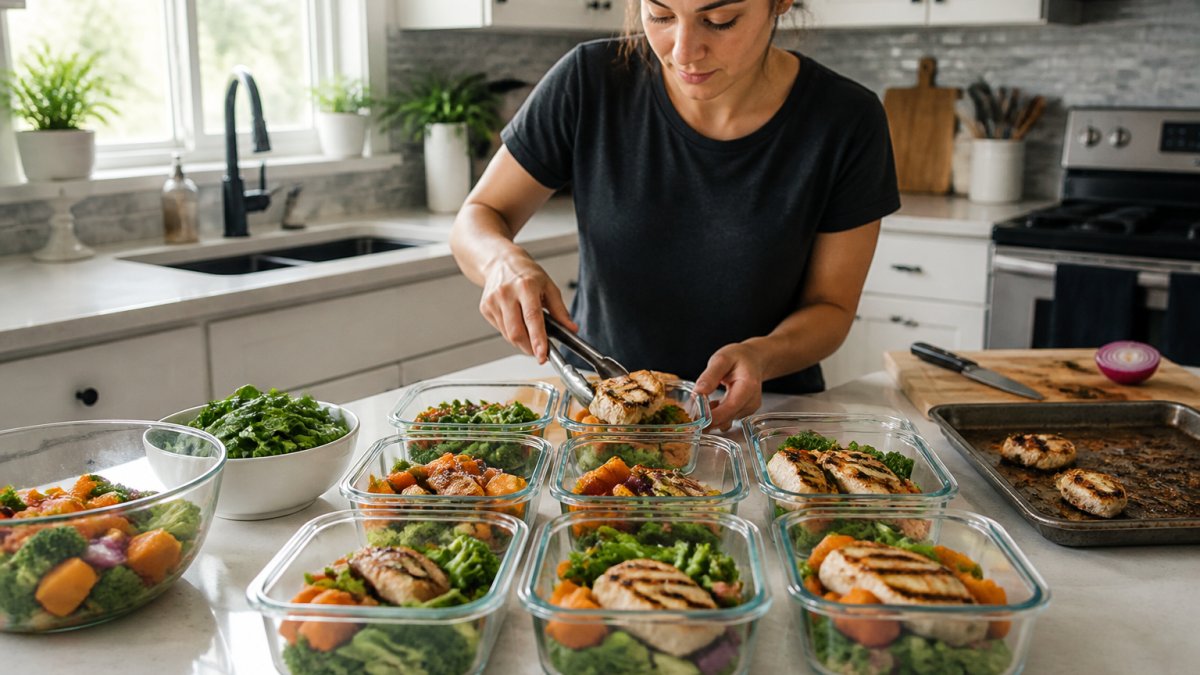
Best for: working professionals and busy parents who want the planning, shopping, and prep handled in one place.
You can generate a plan to see how the workflow fits your week.
2. Cronometer: Best for Micronutrient Data Accuracy
Cronometer is known for tracking vitamins and minerals alongside macros.
The trade-off is real. Cronometer is a tracker, not a planner. It will not tell you what to cook or build a grocery list. Pair it with a planning tool if you want the full workflow.
3. MyFitnessPal: Best for a Large Food Database
MyFitnessPal wins on sheer volume. It offers a large food database. For beginners learning to track macros, that familiarity helps.
4. MacroFactor: Best for Adaptive Calorie Goals
The catch: it is a tracking tool. You can set your own goals in the app to match your targets. Meal planning and grocery lists are not its focus.
5. Prepear, Paprika 3, and eMeals: Best for Recipe and Menu Planning
These three cover the planning side well, each differently. None of them track macros with real depth, so the honest way to use them is as the recipe and menu layer of a two-app stack: plan and shop here, log macros in a tracker. Here is how each one actually behaves when you try to hit a macro target.
Prepear: Best for Blogger-Curated Meal Plans
Macro fit: Prepear shows nutrition information on recipes, but it does not let you set a protein/carb/fat target and solve for meals that hit it. You pick plans that look close, then adjust portions yourself. The practical workflow is to choose a plan whose per-serving protein is already in your range, then scale servings up or down and re-check the numbers in your tracker.
Best for: people who want a starting menu they can trust to taste good, and who are willing to do the macro math on top. Skip if: you want the app to reverse-engineer meals from your targets.
Paprika 3: Best for Recipe Management and Manual Planning
Macro fit: Paprika 3 does not track macros. It stores recipes and can display nutrition if the source provides it, but there is no target-setting or macro-matching engine. Its value for macro prep is indirect: once you find a rotation of meals that hits your numbers, Paprika 3 is an excellent place to store, scale, and shop for them week after week.
Best for: cooks with an established recipe rotation who want a durable, searchable cookbook and clean grocery lists. Skip if: you are starting from zero and need the app to suggest macro-appropriate meals.
eMeals: Best for Pre-Made Weekly Menus
Macro fit: eMeals menus include nutrition information, and some plans are positioned around higher-protein or lower-carb eating, but the app is not built to hit a specific gram target for you. The workable pattern is to choose the plan closest to your macros, then swap or portion-adjust individual meals and log them in your tracker.
Best for: people who would rather pick from a set list than build from scratch, and who value a ready grocery list over macro precision. Skip if: your macro targets are tight enough that a generic menu will consistently miss.
Macro Tracking Apps vs Meal Planning Apps With Macros
Macro tracking apps record what you eat. Meal planning apps with macros decide what you should eat, then help you shop and prep for it. The first answers "how am I doing?" The second answers "what's for dinner?"
Many people need both tracking and planning. A tracker that does not plan leaves you improvising. A planner that does not track leaves you guessing. If you are weighing free options, read this deeper article on whether a free AI diet planner is available.
How to Track Macros for Beginners Without Weighing Everything
Beginners can track macros without a scale by using consistent portion references and prepackaged serving sizes. The goal is consistency, not perfection. Beginners who want to skip weighing food can get hands-on coaching guidance to track macros practically. But consistency only works if you understand where the numbers drift, because most macro-tracking error comes from a handful of predictable sources, not from skipping the scale.
The Four Places Your Macro Numbers Drift
1. Cooked versus raw weight. A chicken breast weighs more raw than cooked because cooking drives off water. If a recipe lists raw weight and you log cooked weight, or the reverse, your protein and calorie numbers shift meaningfully. Pick one convention, note it, and stay consistent. Log raw weight for meat you weigh before cooking, and cooked weight only when the app's entry is explicitly labeled cooked.
2. User-submitted food entries. Large databases like MyFitnessPal's include entries created by other users, and those entries vary in accuracy. When two entries for the same food disagree, prefer the one with a verified checkmark, a complete nutrition label, or a brand name you recognize.
3. Recipe portions and serving counts. A recipe that says "serves 4" may yield 3.5 or 4.5 real portions depending on how much liquid cooks off and how you divide it. If you log a recipe's per-serving nutrition, weigh the finished dish once and divide by the actual number of portions you got. That single step fixes more drift than any other habit.
4. Label rounding and serving-size tricks. Nutrition labels round, and a package may contain more than one "serving." A snack labeled 150 calories per serving with 2.5 servings per container is a 375-calorie bag if you eat it all. Log the amount you actually eat, not the amount the front of the package implies.
A No-Scale Workflow That Still Holds Up
- Use your hand as a guide: a palm of protein, a fist of carbs, a thumb of fat per meal
- Log prepackaged foods by the serving size on the label, and check servings per container first
- Build a small rotation of repeat meals so portions become automatic and drift is visible
- Weigh a finished recipe once, divide by real portions, and save that as your go-to entry
- Track daily intake for one week to spot patterns before adjusting anything
- Prefer verified or label-backed database entries over user-submitted ones when they disagree
The mistake most beginners make is chasing precision too early. Get consistent first, then tighten.
Frequently Asked Questions
What is the best app for meal prep and tracking macros?
There is no single winner because the best meal prep apps for macros solve different problems. MealPrepGenius suits people who want planning, grocery lists, and batch-prep tasks in one workflow. Match the app to whether you need planning help or tracking precision, then check current pricing on each provider's site.
Which meal planning apps with macros let you set protein, carb, and fat targets?
Most dedicated macro trackers let you set protein, carbohydrate, and fat targets as grams or percentages of daily calories. Meal planning apps with macros vary more: some generate a plan around your targets, while others only display nutrition per recipe. When comparing, check whether the app lets you lock a protein minimum per meal and whether it recalculates the plan when your targets change.
Can meal prep apps calculate macros for recipes?
Many can, but accuracy depends on the ingredient data behind the calculation. An app that pulls nutrition from a verified database and uses consistent serving sizes will give closer numbers than one that relies on user-submitted entries. For home cooking, log each ingredient by weight once, save the recipe, and reuse it. That keeps calories per serving stable across batches instead of drifting with each estimate.
Are there free apps for meal planning and macro tracking?
Several trackers offer a free tier with basic food logging, and some meal planners offer limited free plans. Free versions usually restrict recipe imports, advanced targets, or grocery list exports. If you only need calorie and macro logging, a free tier may be enough. If you want automated plans and batch-prep task lists, expect a subscription. Confirm what each free plan includes before committing.
How do I plan a week of meals around my macro goals?
Set your daily protein, carb, and fat targets first, then build meals around a protein anchor at each sitting. Repeat two or three base recipes across the week to cut prep time and ingredient overlap. Use an app that generates a grocery list from the plan so you buy only what the recipes need. If your schedule shifts mid-week, keep one flexible meal slot so you can swap without breaking your daily intake.
Macro tracking only works when the plan behind it is realistic enough to follow. MealPrepGenius builds personalized meal plans around your targets, generates the grocery list automatically, and manages batch-prep tasks so the cooking actually happens. Get started with MealPrepGenius and turn your macro goals into meals you will stick with.